Calm during dinner
Start with Winter and low sensitivity – soft waves and snow, nothing flashy while people talk.
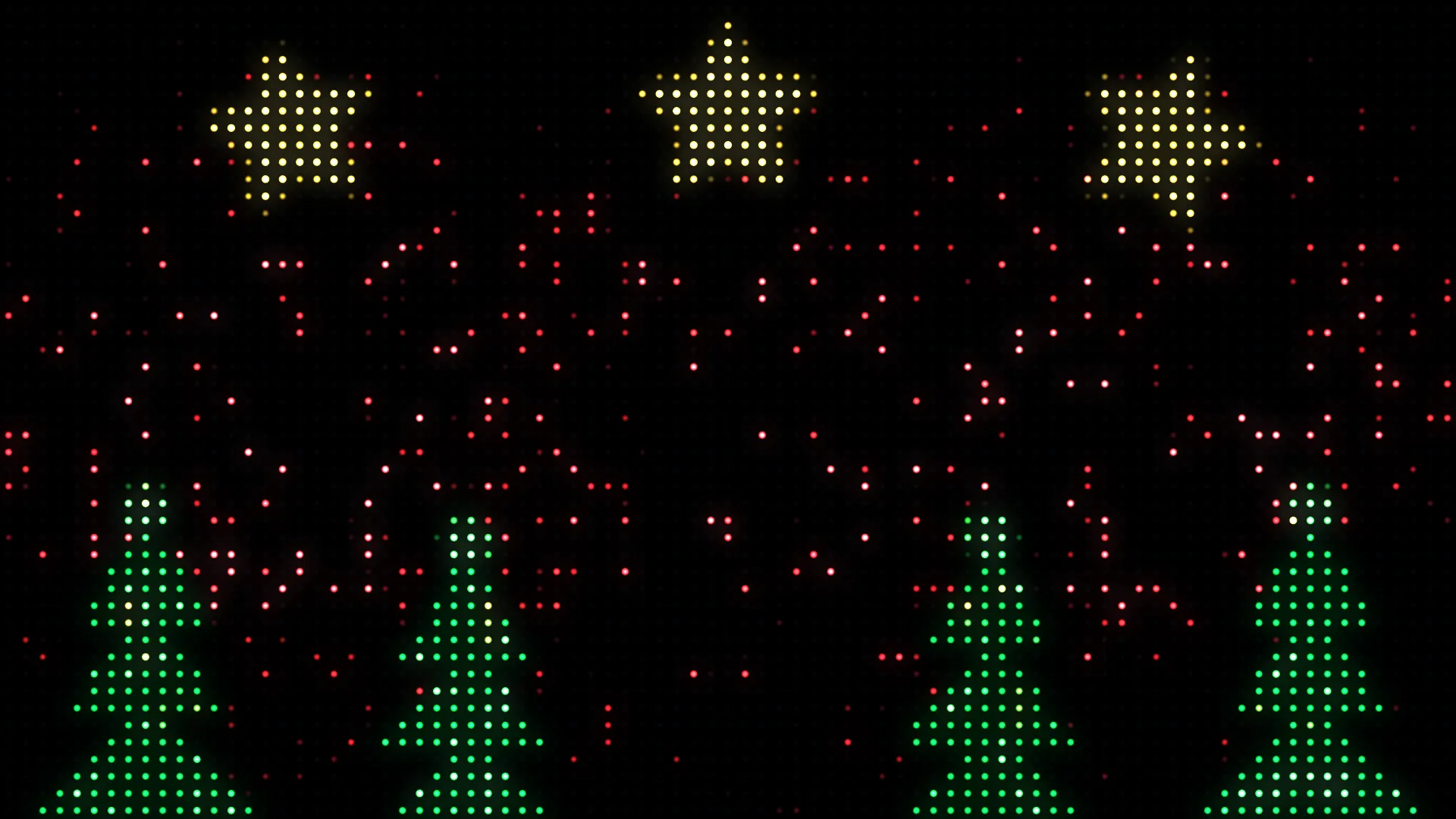
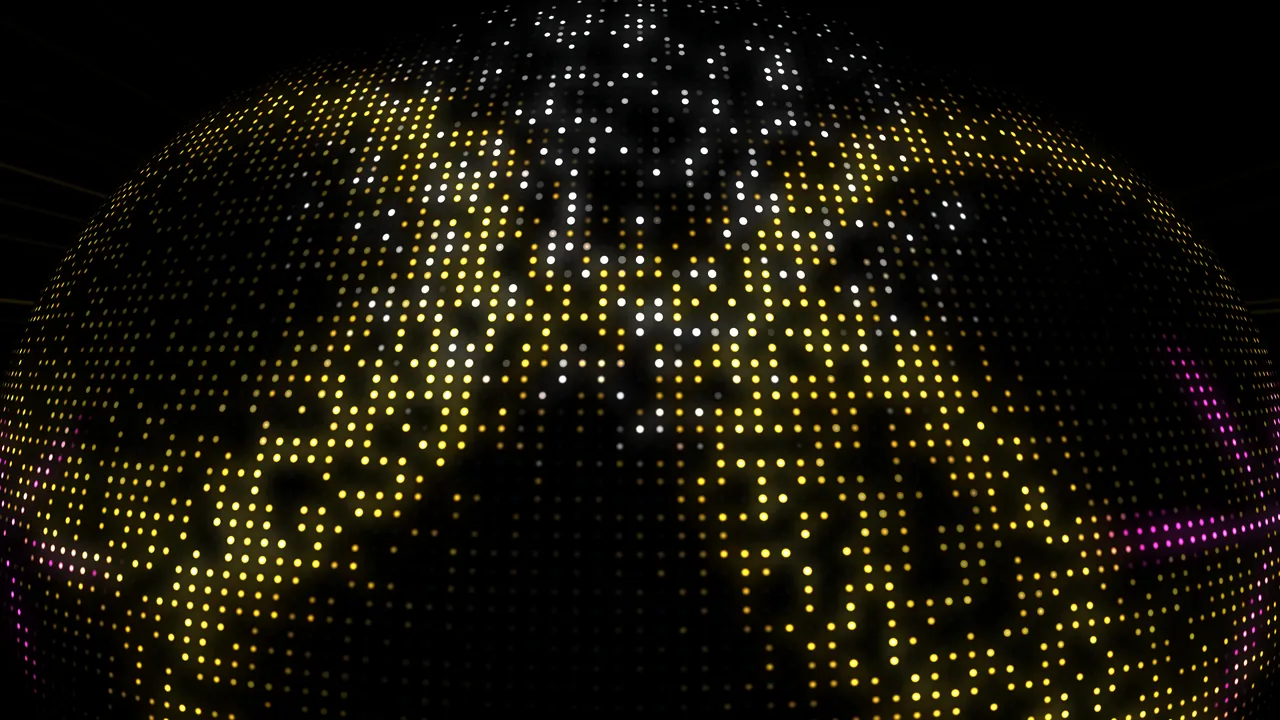
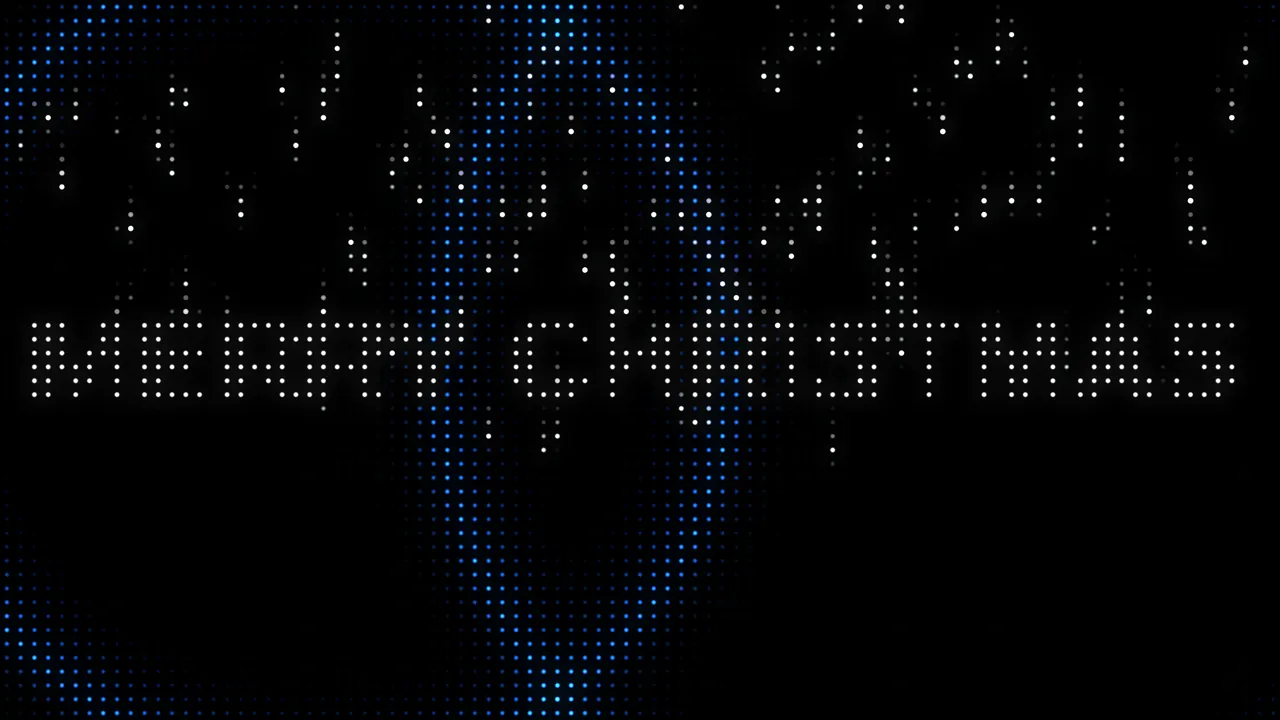
Your phone listens to the music. The projector or TV on the wall becomes a glowing grid of fir trees, golden stars, falling snow and fireworks – with MERRY CHRISTMAS or your own greeting. No VJ software, no lighting rig, no cables.
Neon Ripples is a free Christmas music visualizer for Android: the seasonal looks appear in the app automatically from mid-November. One tap and the grid is ready for the season – or let Auto mode switch between them during the night.
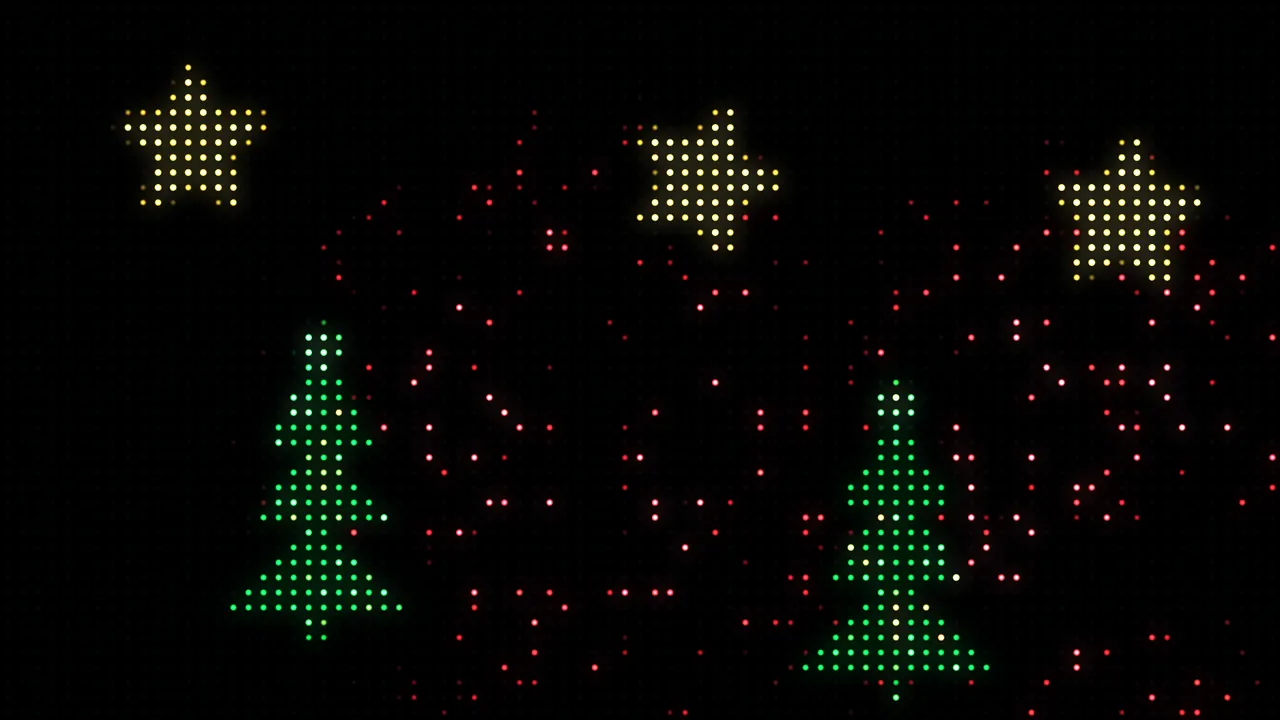
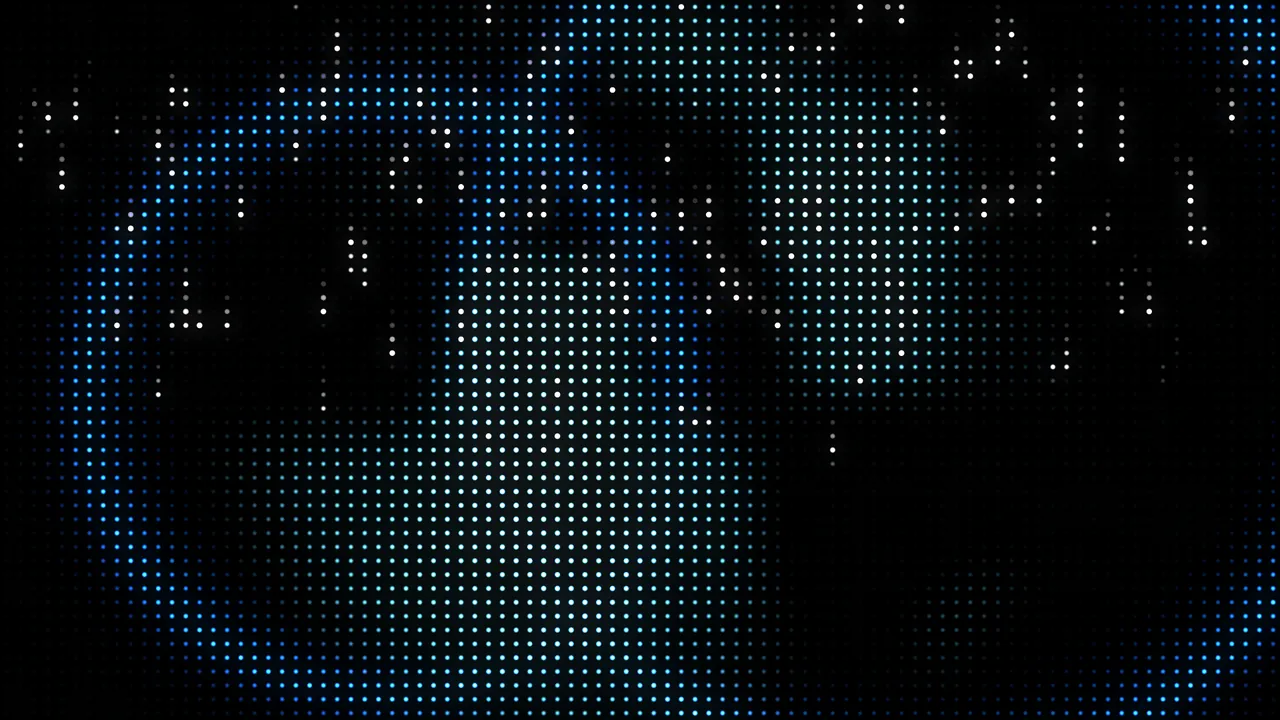
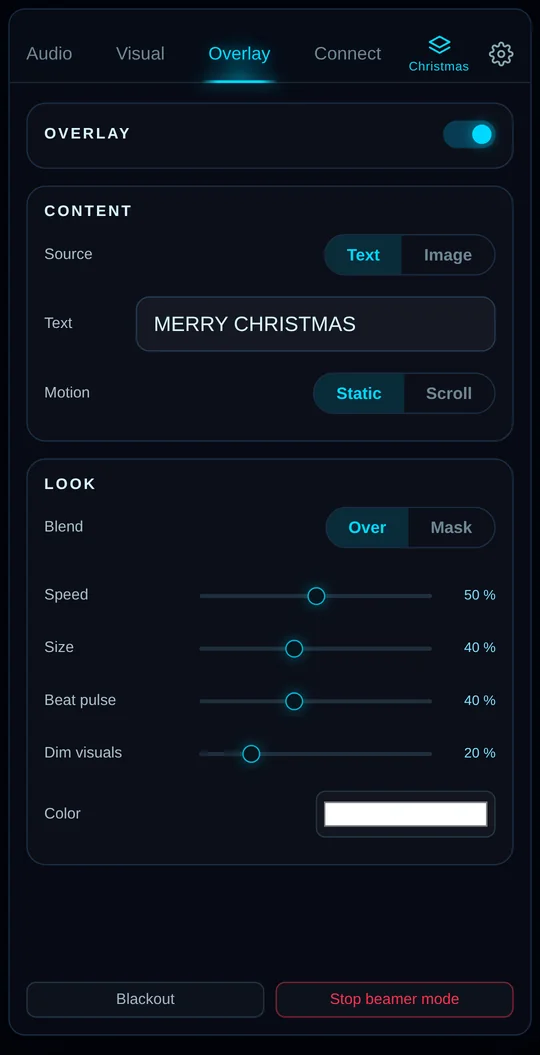
Type any text in the Overlay tab: a greeting, the name of your team or the title of your company Christmas party. It appears in glowing dots right on the visuals, standing still or scrolling. A logo or an animated GIF works too.
Get Neon Ripples for free on Google Play and tap Beamer mode. Pick the Christmas, Winter or New Year look.
On any screen with a web browser in the same Wi-Fi or on your phone's hotspot: scan the QR code or type the address and the four-digit code.
The phone listens to the room – from a speaker, a DJ booth or the PA. Put it aside: the visuals keep reacting with the phone screen off.
Start with Winter and low sensitivity – soft waves and snow, nothing flashy while people talk.
Blackout fades the screen to black in a third of a second, and back when the music starts again.
Switch to Christmas with your greeting, or let Auto mode change the looks on its own.
New Year with HAPPY NEW YEAR on the sphere – golden fireworks on every beat.
A TV is enough. A projector on a white wall makes it even bigger.
Auto trigger adapts to any volume, from background music to a full PA.
An Android phone with Neon Ripples and a projector, TV or laptop with a web browser. Both need to be in the same Wi-Fi or on your phone's hotspot. No cables and no extra hardware.
They appear in the app from mid-November: Christmas until January 6, New Year until January 10 and Winter until the end of February.
Yes. Type any text in the Overlay tab, or load your logo as an image. It appears in glowing dots on the visuals.
Yes – the Christmas party visuals are free, without ads, without in-app purchases and without an account.
The visuals show fast-changing light. If guests are sensitive to flashing light, use calm looks such as Winter and a low sensitivity.
Install Neon Ripples, point a projector at the wall or switch on the TV, and press play. Free, without ads, without an account.